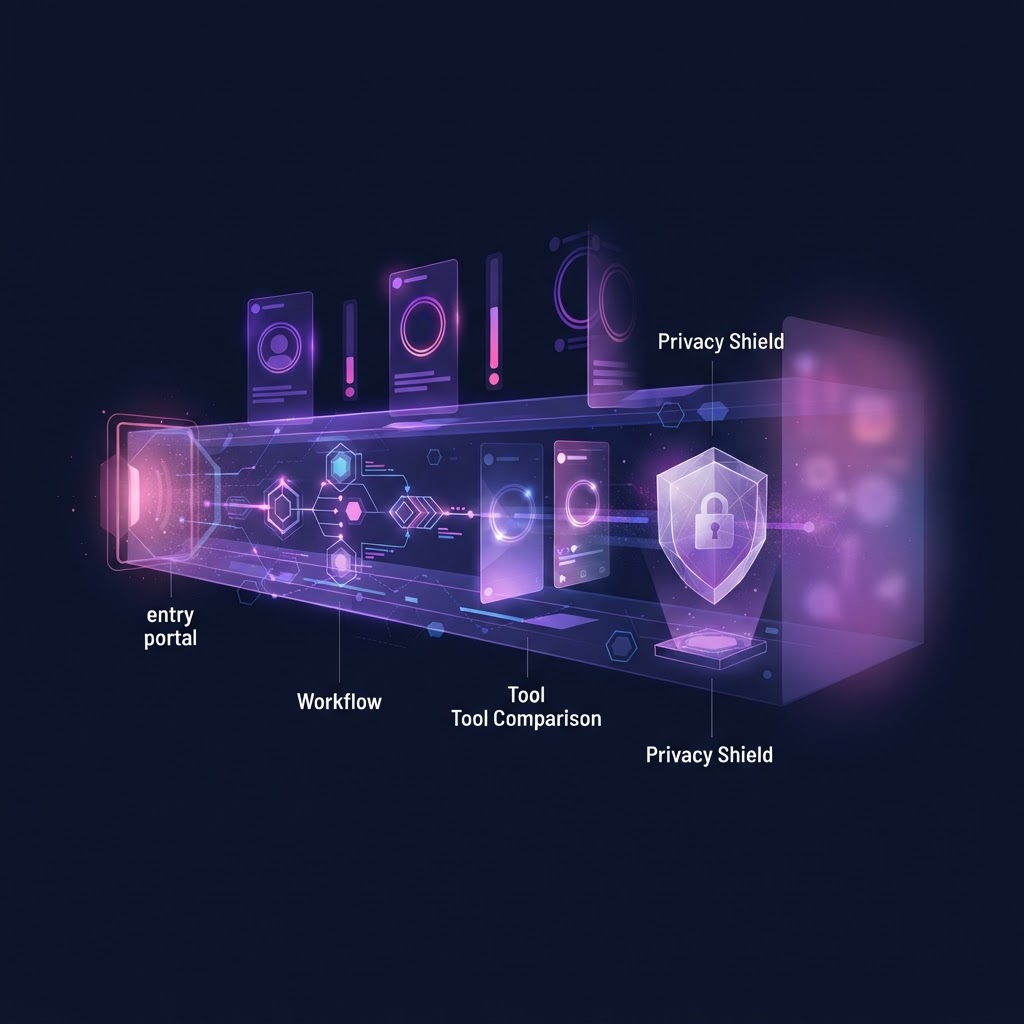
Viewing Instagram stories without account risks requires bypassing the official app to avoid leaving a digital footprint on the creator's viewer list. The safest method is using a web-based viewer that does not require an Instagram login. This prevents accidental engagement, protects your personal data, and ensures your primary account remains completely disconnected from your viewing activity.
Key takeaways:
- Native app workarounds like airplane mode are unreliable and do not guarantee privacy.
- Third-party web viewers allow you to browse public content without an Instagram login.
- No tool can legitimately access private Instagram accounts; they only work for available profiles.
- Using a dedicated web tool prevents accidental likes, follows, or story views from your personal account.
- Always avoid services that ask for your Instagram password or personal login credentials.
Why Native Viewing Methods Carry Inherent Risks
When you use the official Instagram application, every action is logged. If you are logged into your account, tapping on a story immediately places your username in the creator's viewer list. Many users attempt to bypass this using native workarounds, but these methods carry significant risks and often fail to provide the privacy they promise.
The Airplane Mode Trick
One of the most common methods people try is the airplane mode trick. The process involves opening the Instagram app, letting the stories preload, turning on airplane mode, watching the story, and then force-closing the app before reconnecting to the internet.
However, as noted by cybersecurity experts at Bitdefender, this method is highly unreliable. Modern smartphones and applications are designed to cache data. When you reconnect to the internet, the app may sync its cached data with Instagram's servers, retroactively adding your name to the viewer list. This inconsistency makes it a poor choice for anyone serious about viewing Instagram stories without account risks.
The Burner Account Strategy
Another popular approach is creating a secondary or "burner" account. While this keeps your primary name off the viewer list, it is not true anonymity. According to Bitdefender, Instagram can link accounts through device data, IP addresses, login behavior, and usage patterns. If the account appears suspicious, it may be restricted or flagged. Furthermore, managing multiple accounts increases the risk of accidentally switching to your main profile and viewing a story by mistake.
To truly understand what data is collected when you view a story natively, you can read our detailed breakdown on How Instagram Tracks Story Views: A Complete Guide to Viewer Sorting and Privacy.
The Mechanics of Third-Party Web Viewers
To mitigate the risks associated with native app usage, third-party web viewers have become the standard for safe browsing. These tools operate on a simple premise: they act as an intermediary between you and Instagram's public servers.
When you enter a username into a web viewer, the tool's servers request the public data from Instagram. The tool then displays this data to you on a standard webpage. Because the request is made by the tool's server and not your personal device or account, your IP address and username are never transmitted to Instagram in connection with that specific story view.
The available accounts Limitation
It is crucial to understand the boundaries of these tools. Web viewers can only access content that is publicly available on the internet. If an Instagram user has set their account to private, their stories, posts, and highlights are locked behind Instagram's authentication wall.
No legitimate tool can bypass this security measure. Any service claiming to offer access to private accounts without requiring you to log in as an approved follower is likely a scam, a phishing attempt, or a malware distribution site. Honesty about this limitation is a hallmark of a trustworthy service.
Step-by-Step: How to View Stories Safely Without Logging In
Using a web-based viewer is straightforward, but following a strict workflow ensures you do not accidentally compromise your privacy. Here is a step-by-step guide to viewing Instagram stories without account risks.
- Do Not Open the Instagram App: Ensure the Instagram app on your mobile device is closed. If you are on a desktop, do not log into Instagram.com in your primary browser.
- Identify the Target Username: You need the exact Instagram handle (username) of the available accounts you wish to view.
- Navigate to a Secure Web Viewer: Open your web browser and go to a trusted viewer like InstaSpy.ai. Ensure the site uses HTTPS for a secure connection.
- Enter the Username: Type the exact handle into the search bar provided on the homepage. Do not include the '@' symbol unless the tool specifically requests it.
- Initiate the Search: Click the search or view button. The tool will query the public servers and retrieve the available profile data.
- Browse the Content: Once the profile loads, you can click on the active stories, highlights, or posts. Because you are viewing this on a third-party site, your view is not registered on the creator's list.
- Download if Necessary: If the tool supports it, you can use the provided download buttons to save the content directly to your device for offline viewing.
Comparing Anonymous Story Viewer Tools
When selecting a tool for viewing Instagram stories without account risks, it is important to compare the features, limitations, and pricing models of the available options. Below is a comparison of popular tools based on current external research.
DolphinRadar
DolphinRadar is a web-based viewer that emphasizes tracking and downloading. According to their official site, they offer the ability to view stories, highlights, and posts without an account. They also advertise a feature to track profiles and receive email alerts when new content is posted. However, as noted in a review by Statusbrew, users must be cautious of third-party tools that may require subscriptions for advanced tracking features.
Undetectable.io
Undetectable.io takes a different approach, focusing on anti-detect browser technology. According to their official blog, this is a professional-grade solution that uses unique browser fingerprints and proxies. While highly effective for digital marketers managing multiple research accounts, it requires a steeper learning curve and is generally overkill for users who simply want to view a public story quickly. Bitdefender also highlights that complex setups can sometimes introduce new security variables if not managed correctly.
Feature Comparison Table
| Feature | DolphinRadar | Undetectable.io | InstaSpy.ai |
|---|---|---|---|
| Works without an Instagram login | Yes | No (Requires managed accounts) | Yes |
| View stories | Yes | Yes | Yes |
| View highlights | Yes | Yes | Yes |
| View reels and profile media | Yes | Yes | Yes |
| One-click downloads | Yes | No (Requires screen recording) | Yes |
| Profile tracking with new-story alerts | Yes | No | Yes |
| Transparent cancel-anytime billing | Varies by plan | Varies by plan | Yes |
| Ad-free experience | No | Yes | Yes |
Verdict: Choosing the Right Tool for Your Needs
When evaluating the options for viewing Instagram stories without account risks, the best choice depends on your specific requirements for ease of use, feature set, and privacy.
We recommend InstaSpy.ai because it provides a comprehensive, user-friendly experience directly from your browser. It requires no Instagram login, ensuring your personal account remains completely isolated. You can view stories, highlights, reels, and profile media all in one place. Furthermore, it offers one-click downloads, profile tracking, and transparent cancel-anytime billing. While no tool, including ours, can access private accounts, InstaSpy.ai delivers a reliable, ad-free experience for all publicly available content.
Try InstaSPY now
View your first Instagram profile anonymously for free
Enter a username to view available stories, highlights, reels, and posts without an Instagram login.
No Instagram password required
Archiving and Downloading Content Securely
One of the primary benefits of using a web viewer is the ability to save content locally. Instagram stories disappear after 24 hours, and highlights can be removed by the creator at any time. If you are conducting market research or archiving competitor campaigns, relying on the live profile is risky.
When you use a tool with download capabilities, you can save the MP4 video files or JPEG image files directly to your hard drive. This allows you to build a permanent archive of relevant content without ever interacting with the creator's profile from your own account.
For a deep dive into building a structured local archive, check out our comprehensive guide on How to Archive Instagram Highlights Locally: Complete Guide.
Monitoring Update Frequencies Safely
For digital marketers and researchers, knowing when and how often a competitor posts is just as important as knowing what they post. However, constantly checking a profile manually increases the risk of accidental engagement if you are using the native app.
Web viewers that offer profile tracking solve this problem. By inputting the target username into the tracking system, the tool monitors the public feed on your behalf. This allows you to gather data on posting schedules and content velocity without repeatedly visiting the profile yourself.
To learn more about analyzing this data effectively, read our article on How to Detect Instagram Story Update Frequency Anonymously.
Troubleshooting Common Viewing Issues
Even with the best tools, you may occasionally encounter issues when trying to view content. Here is a practical troubleshooting framework to help you resolve common problems.
The Profile Does Not Load
- Check the Username: Ensure you have typed the exact username correctly. A single typo will result in a failed search.
- Verify Account Status: Open a private/incognito browsing window and navigate to
instagram.com/username. If the page says "User not found," the account may have been deleted, suspended, or they may have changed their handle. - Check for Private Status: If the profile loads in your incognito window but says "This account is private," no web viewer will be able to access the stories or posts.
Stories Are Missing
- 24-Hour Limit: Remember that stories expire after 24 hours. If you know they posted a story yesterday, it may have simply expired before you checked.
- Close Friends List: If the user posted a story exclusively to their "Close Friends" list, it is not broadcast to the public servers. Web viewers cannot access Close Friends content, even on available accounts.
Downloads Are Failing
- Browser Permissions: Ensure your web browser has permission to download files to your device.
- Storage Space: Check that your device has sufficient storage space for the MP4 or JPEG files.
- Network Connection: A stable internet connection is required to download high-resolution media files.
Frequently Asked Questions
Can someone see if I view their Instagram story without an account?
No. If you use a third-party web viewer without logging in, your view is processed by the tool's servers. Your personal IP address and identity are not transmitted to Instagram, meaning you will not appear on the creator's viewer list.
Do anonymous story viewers work for private accounts?
No. Legitimate web viewers can only access publicly available data. Private accounts restrict access to approved followers only. Any tool claiming to bypass this security is likely fraudulent and should be avoided.
Is it safe to use my Instagram login on a third-party viewer?
You should never provide your Instagram password or login credentials to a third-party viewing site. Legitimate tools do not require you to log in. Providing your credentials can lead to account theft or suspension by Instagram.
Why can't I see a specific story on a available accounts?
If an account is public but a specific story is missing from the web viewer, the creator likely posted it to their "Close Friends" list. This content is restricted and not available on the public servers.
Can I download stories to my phone using these tools?
Yes, most modern web viewers support downloading directly to mobile devices. You can typically tap a download button next to the story, and the MP4 or JPEG file will save to your device's local storage or camera roll.
Conclusion
Viewing Instagram stories without account risks is entirely possible when you use the right approach. By avoiding native app workarounds and relying on secure, login-free web viewers, you can protect your privacy, prevent accidental engagement, and gather the public information you need safely.
Always remember the limitations: these tools only work for available accounts, and you should never hand over your personal login credentials. For a secure, ad-free experience that includes viewing, downloading, and profile tracking, start using InstaSpy.ai today.
Related: Legal Ways to Archive Instagram Content: A Complete Guide