Originally published on instaspy.ai by the InstaSPY.ai Team.
To track new Instagram connections, you must monitor an Instagram account's following list over time. Because Instagram no longer sorts following lists chronologically by default, you cannot simply look at a profile to see recent follows. Instead, you must use snapshot-based tracking—either manually comparing lists or using a dedicated tool like InstaSpy.ai's Follow Tracker—to identify exactly who an account recently followed or who followed them back.
Key Takeaways
- Instagram removed chronological sorting for public following lists, replacing it with relevance-based sorting.
- You can only see exact follow dates between your own account and someone you follow using the "See shared activity" feature.
- Tracking new connections requires snapshot comparison: saving a list today and comparing it against a list tomorrow.
- No tool or method can reconstruct historical follow timelines from before you started tracking.
- Tracking is strictly limited to Instagram accounts; private account connections remain completely inaccessible.
The Truth About Instagram's Following List Order
Understanding how to track new Instagram connections requires understanding how Instagram actually organizes its data. Historically, if you navigated to a user's profile and tapped their "Following" list, the accounts were displayed in chronological order. You could easily see who they followed most recently right at the top of the list.
However, Instagram fundamentally changed this architecture. Today, when you view someone else's following list, there is no default chronological order. Instead, Instagram organizes public follow lists based on a complex variety of relational factors. These factors include shared mutual friends, the frequency of interaction (such as likes, direct messages, and tags), and platform usage history. This relevance-based sorting means that a completely scrambled list greets anyone trying to casually spot a new connection.
There is one notable exception, but it is highly restricted. You can sort your own follow list by the order in which you followed others by tapping your profile icon, navigating to "Following," tapping the filter icon, and selecting "Date followed: Latest." Furthermore, if you want to see who followed who first between yourself and another account, you can use the "See shared activity" feature on the mobile app. By opening their profile, tapping the three dots, and selecting this option, you can compare the two follow dates. However, this only works between you and that specific account. Instagram will never show this shared activity or chronological data for two third-party users.
Because the platform actively obscures this timeline data, casual observation is no longer a viable strategy for monitoring network growth or relationship building on the app. You cannot simply scroll and guess. You need a systematic approach.
How Snapshot-Based Tracking Works
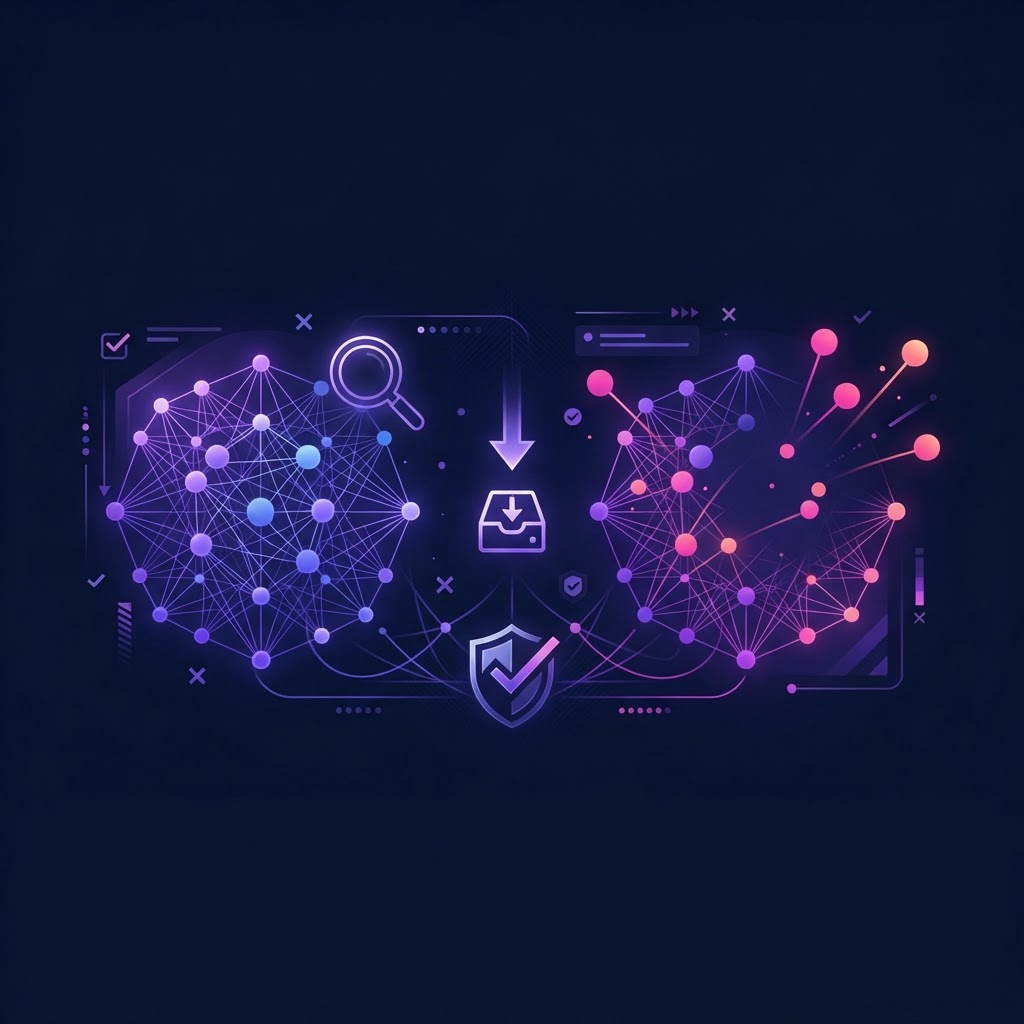
The only mathematically sound way to track new Instagram connections on an Instagram account is through a process called snapshot-based tracking. Because Instagram has no built-in feature to "diff" (find the differences between) two lists, you must create this comparison yourself.
Snapshot comparison automates or systematizes exactly what the manual method tries to do. The concept is straightforward and relies on basic data comparison principles:
First, you establish a baseline. You save a "snapshot" now. A snapshot is a stored, complete copy of an Instagram account's following or followers list at a specific moment in time. This baseline contains every single public connection that account currently has.
Second, you wait for a designated period—a day, a week, or a month—and save another snapshot.
Third, you compare the two datasets. The lists are matched account by account, and the resulting data is sorted into three distinct buckets:
- New follows: These are accounts present in the newer snapshot but completely absent from the older baseline snapshot. These represent the new Instagram connections.
- Unfollowed accounts: These are accounts present in the older snapshot but gone from the newer one.
- Still following: These are accounts present in both snapshots, representing stable, ongoing connections.
Because the comparison works off saved lists rather than a live, scrambled glance, nothing slips past you. A swap where one account leaves and another arrives shows up clearly as one unfollow and one new follow, even though the total follower count never moved. This is why relying on the raw follower count number on a profile is highly misleading; a static number can hide massive underlying turnover in an account's actual connections.
How to Track New Instagram Connections Manually
If you are only monitoring a single account with a relatively small following list, you can execute snapshot-based tracking manually. While tedious, it requires no specialized tools and relies entirely on your own record-keeping.
Step 1: Access the profile via a desktop browser. Using a desktop browser is crucial because it allows for easier scrolling, copying, and pasting compared to the mobile app interface. Navigate to the Instagram profile you wish to monitor.
Step 2: Open the "Following" tab. Scroll meticulously through the entire list until all accounts have loaded.
Step 3: Record the baseline. You can do this by taking sequential screenshots of the entire list, or, for a more searchable method, highlighting the text, copying it, and pasting it into a spreadsheet. If using a spreadsheet, clean up the formatting so you have one username per row.
Step 4: Establish a tracking interval. Decide how often you need to check for new connections. For highly active accounts, this might be every 48 hours. For slower accounts, weekly is sufficient.
Step 5: Repeat and compare. After your interval has passed, return to the profile, open the Following tab, and record the new list. Now, you must cross-reference your new list against your baseline spreadsheet. Any username that appears in your new list but not in your baseline is a verified new connection.
This manual method is highly effective for accounts following fewer than 100 people. However, it becomes exponentially more difficult and prone to human error as the following list grows. If an account follows 1,500 people, manually diffing the lists is practically impossible without writing custom spreadsheet formulas to highlight unique values.
What You Can and Cannot See When Tracking Connections
When setting out to track new Instagram connections, it is vital to understand the strict boundaries of what is technically possible. Setting realistic expectations prevents frustration and ensures you are interpreting the data correctly.
What You Can See:
- Instagram Account Connections: You can fully track the new follows and new followers of any account that is set to public.
- Mutual Follows: By cross-referencing an account's followers list with its following list, you can identify mutual connections (accounts that follow each other back).
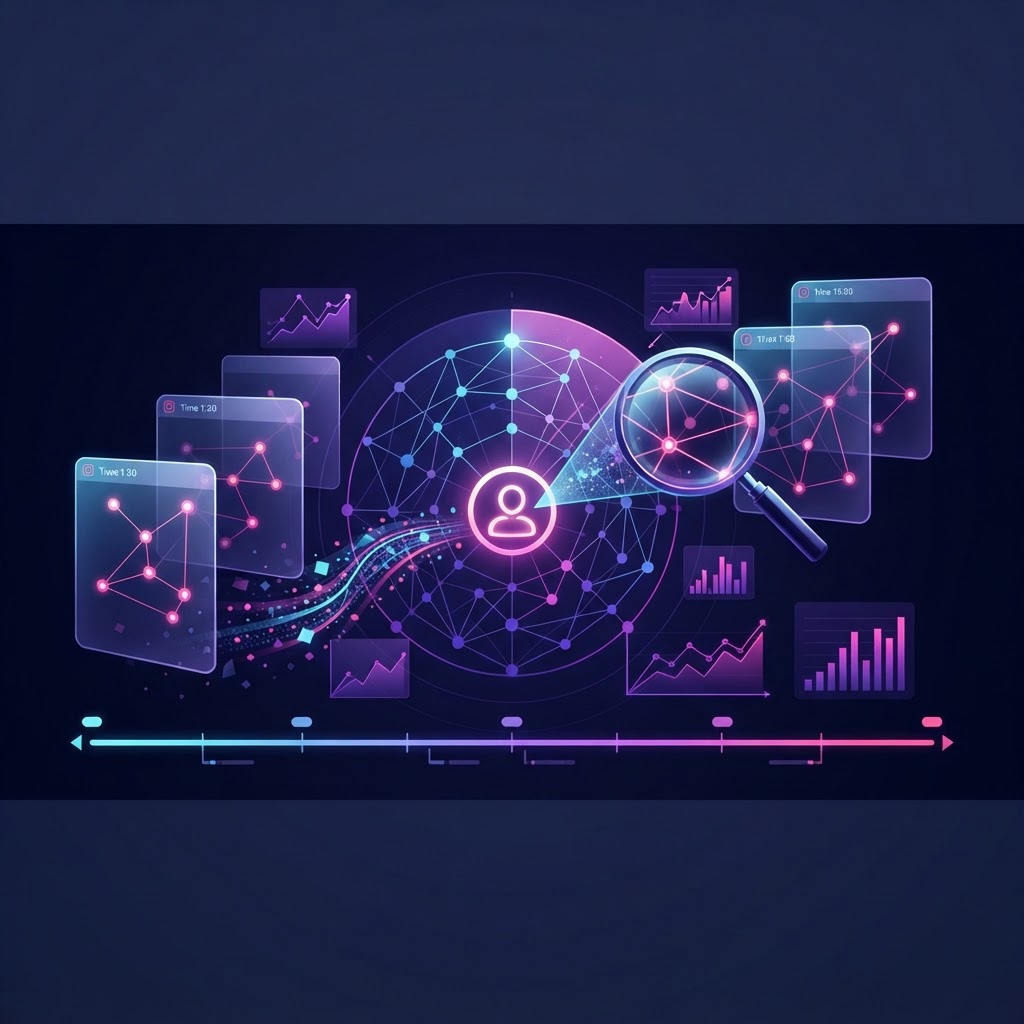
- Forward-Looking Timelines: Once you establish a baseline snapshot, you can accurately date any new connection that forms after that baseline was created, pinpointing the activity to the specific window between your checks.
What You Cannot See:
- Private Accounts: This is an absolute boundary. No legitimate tracking method can access the following or followers list of a private account. If an account is private, its connections are hidden.
- Historical Follow Dates: You cannot reconstruct the past. If you start tracking an account today, you cannot find out exactly what day they followed someone three years ago. The data only exists from the moment your baseline is established.
- Hidden Activity: You cannot see who views a profile, who shares posts in direct messages, or who saves content. Tracking is strictly limited to the public ledger of follows and unfollows.
Privacy, Limits, and Anonymous Viewing
When monitoring public connections, privacy—both yours and the target account's—is a primary concern. Because manual tracking requires you to visit the profile repeatedly, many users worry about leaving a digital footprint.
Simply viewing an Instagram profile's following list does not send a notification to the account owner. Instagram does not alert users when someone scrolls through their connections. However, if you accidentally like a post or view a Story while conducting your research, your identity will be revealed. This is why understanding Is Anonymous Story Viewing Detectable? The Complete 2026 Guide is critical for anyone conducting social media audits.
To maintain complete separation, many professionals utilize tools like InstaSpy.ai, which allows you to watch Instagram stories, highlights, reels, and profiles anonymously without an Instagram login. This ensures that your monitoring activities are entirely decoupled from your personal or business Instagram account.
It is also important to understand the technical limits of the platform to avoid getting your own accounts restricted if you are doing heavy manual research. Instagram employs strict rate limits on how many profiles you can load and how many lists you can scroll through in a given hour. Exceeding these limits can result in temporary action blocks. For a deep dive into how Instagram monitors unusual activity, review Why Anonymous Viewers Get Blocked: The Complete Technical Guide.
Finally, tracking connections isn't just about who is new; it's also about who left. Monitoring severed connections can be just as insightful as monitoring new ones. For best practices on this side of the equation, see How to Identify Recent Unfollows on Instagram Safely.
Three Realistic Scenarios for Tracking Connections
To understand the practical application of tracking new Instagram connections, let's examine three specific, realistic scenarios where this data provides actionable value.
Scenario 1: Influencer Partnership Verification
Who: A brand marketing manager. What they want: To verify if an influencer they are considering sponsoring is genuinely networking within their target industry, or if they are participating in artificial follow-for-follow schemes. Exact steps: The manager establishes a baseline of the influencer's following list. Over the next two weeks, they monitor the new connections. What they will see: They will see exactly which new accounts the influencer chooses to follow. If the new connections are highly relevant industry peers, brand accounts, and engaged creators, it signals healthy networking. What they will not see: They will not see if the influencer is messaging these new connections, nor will they see any activity if the influencer suddenly switches their account to private.
Scenario 2: Brand Competitor Analysis
Who: A social media strategist for a mid-sized e-commerce brand. What they want: To identify which new micro-influencers or brand ambassadors their primary competitor is quietly recruiting. Exact steps: The strategist uses a snapshot tracking method on the competitor's Instagram account, specifically looking for new mutual follows (where the competitor follows a creator, and the creator follows back). What they will see: A curated list of newly formed, two-way relationships. By analyzing these new mutual connections, the strategist can identify the competitor's upcoming marketing roster before any official campaigns launch. What they will not see: They cannot see the contract negotiations or direct messages between the competitor and the influencers.
Scenario 3: Public Relations Crisis Monitoring
Who: A PR professional managing a high-profile public figure. What they want: To monitor the public figure's network for sudden, potentially problematic new connections or rapid unfollowing events during a media cycle. Exact steps: The PR rep sets up automated tracking (like InstaSpy.ai's Follow Tracker) to receive email alerts whenever the public figure's account follows someone new or loses a significant connection. What they will see: Immediate, timestamped alerts of network changes, allowing the PR team to get ahead of any narrative regarding who the public figure is associating with online. What they will not see: They cannot see the historical context of why a connection was made, only that the digital link was established at a specific time.
Scenario 4: Talent Acquisition and Network Mapping
Who: A specialized talent recruiter focusing on the digital marketing and creative industries.
What they want: To map the professional networks of top-tier creative directors and agency leads to identify passive candidates who might be open to new opportunities.
Exact steps: The recruiter identifies the Instagram profiles of several prominent creative directors at leading agencies. Instead of randomly browsing their followers, the recruiter uses snapshot tracking over a period of several weeks to monitor who these directors are newly following. When a director starts following a cluster of freelance designers or boutique agency accounts, the recruiter notes these connections as potential high-value talent.
What they will see: A timeline of professional networking activity. If a creative director at a major agency suddenly follows three specific motion graphics designers in one weekend, the recruiter can see that these designers are likely producing industry-leading work or are currently engaged in cross-agency collaborations.
What they will not see: The recruiter cannot see if the creative director actually reached out to these designers for a job interview, nor can they view any content from designers who have their accounts set to private.
Try InstaSPY now
View your first Instagram profile anonymously for free
Enter a username to view available stories, highlights, reels, and posts without an Instagram login.
No Instagram password required
Scenario 5: Niche Community Building for Creators
Who: An emerging YouTube creator trying to break into the sustainable fashion niche on Instagram.
What they want: To understand exactly how established sustainable fashion influencers are growing their networks and who they consider important enough to follow back.
Exact steps: The creator selects three highly successful Instagram accounts in the sustainable fashion space. They monitor the "following" activity of these accounts to track new instagram connections, specifically looking for emerging brands, sustainable textile manufacturers, or activist accounts that these top influencers have recently deemed worthy of a follow.
What they will see: A highly curated, real-time list of valuable accounts within their specific niche. By seeing exactly who the top players are connecting with, the emerging creator can follow those same accounts, engage with their content, and strategically insert themselves into the core conversations of the community.
What they will not see: The algorithm's reasoning for suggesting those accounts to the top influencers, or whether the follow was the result of an offline meeting or an organic discovery.
Scenario 6: Event Networking and Follow-Up Strategy
Who: A B2B sales professional attending a major industry trade show or conference.
What they want: To track the networking activity of key keynote speakers and industry executives during and immediately after the event to identify warm leads and mutual connections.
Exact steps: Before the conference begins, the sales professional notes the public Instagram handles of the most important attendees and speakers. During the three-day event and the week following, they track new instagram connections made by these key accounts. When a targeted executive follows a new business account or another attendee, the sales professional identifies this as an active, top-of-mind business relationship formed at the event.
What they will see: A digital footprint of an executive's offline networking. If an executive follows a new vendor's Instagram account the evening after a trade show mixer, the sales professional sees a confirmed business interaction, providing context for their own outreach strategy.
What they will not see: Any private interactions, direct messages exchanged between the executive and the vendor, or connections made exclusively through private accounts.
How to Track New Instagram Connections with InstaSpy.ai
Manually tracking follower changes on Instagram is tedious, error-prone, and nearly impossible to do accurately over long periods. Because Instagram does not list a user's following list in strictly chronological order, spotting a new connection requires you to memorize or meticulously document hundreds of accounts and compare them daily.
InstaSpy.ai eliminates this friction by automating the observation process. The platform provides a suite of tools that allow you to watch Instagram stories, highlights, reels, and profiles anonymously without an Instagram login. More importantly for network analysis, its Follow Tracker feature is built specifically to handle the heavy lifting of monitoring account connections.
Here is the exact, step-by-step process for using InstaSpy.ai to track new instagram connections efficiently:
Step 1: Identify the Target Instagram Profile
InstaSpy.ai works exclusively with Instagram accounts. You cannot use the tool to monitor the connections of an account set to private. Determine the exact username (handle) of the Instagram profile you need to monitor for your research, competitor analysis, or PR strategy.
Step 2: Access the Follow Tracker
Navigate to the InstaSpy.ai platform. Because the service does not require you to log into a personal Instagram account, your viewing and tracking activities remain completely separated from your own profile. Select the Follow Tracker tool from the dashboard interface.
Step 3: Input the Username and Initiate Tracking
Enter the target Instagram username into the search bar. Once submitted, InstaSpy.ai establishes a baseline snapshot of the account's current followers and the accounts they are following. This initial data pull serves as the foundation for all future tracking.
Step 4: Configure Alert Preferences
To stay updated without having to manually check the dashboard every day, you can set up automated alerts. InstaSpy.ai allows you to configure notifications so that you receive an email or an in-app alert whenever the watched account follows someone new. You can also configure it to track when the account gains or loses followers.
Step 5: Monitor the Automated Reports
Once tracking is active, the Follow Tracker does the work in the background. When the target account makes a new connection, the system registers the change against the baseline data. You will receive an alert detailing exactly who the account recently followed.
Step 6: Expand Your Monitoring (Optional)
If your strategy involves holistic monitoring—such as PR crisis management or deep competitor analysis—you can leverage a subscription to unlock additional features. With a subscription, you can set up alerts to notify you the moment the tracked profile posts a new story, ensuring you capture all temporary context surrounding their new network connections before the content disappears.
Understanding Follower vs. Following Dynamics
When you set up tracking systems, it is crucial to understand the distinct difference in the data you are collecting and what it implies about the user's intent. Tracking who follows your target account provides vastly different insights than tracking who your target account chooses to follow.
Tracking the "Followers" metric (people who follow your target) is primarily an exercise in audience analysis. If you are monitoring a competitor brand, sudden spikes in new followers can indicate a successful marketing campaign, a viral piece of content, or a shoutout from a larger account. It tells you about the target's reach and public perception.
Conversely, tracking the "Following" metric (people your target chooses to follow) is an exercise in intent and strategy. An account's following list is a curated feed of their interests, industry peers, and strategic partnerships. When a brand actively chooses to follow a new account, it requires a deliberate action. This is why tracking who an account recently followed via InstaSpy.ai's Follow Tracker is often more valuable for B2B intelligence and talent mapping than simply watching their audience size grow. It reveals the target's focus, their planned collaborations, and their active networking efforts.
Common Mistakes When Tracking Instagram Connections
When attempting to track new Instagram connections, many users fall into predictable traps that skew their data or waste their time. Understanding these pitfalls is essential for maintaining accurate intelligence and making informed decisions based on the data you collect.
One of the most frequent errors is misinterpreting the intent behind a new connection. Just because a brand follows an influencer does not automatically guarantee an upcoming partnership. Sometimes, social media managers use the platform for general inspiration, mood boarding, or simply keeping tabs on industry trends. Jumping to conclusions without correlating the new follow with other signals—such as story mentions, tagged posts, or public interactions—can lead to flawed competitive analysis.
Another common mistake is relying exclusively on manual checking for high-volume accounts. Human memory is fallible, and the sheer volume of data makes it impossible to consistently spot a single new addition among hundreds or thousands of existing connections. Manual tracking is only feasible for accounts with minimal following counts. For anything larger, attempting to maintain a spreadsheet or rely on visual memory usually results in missed connections and massive time sinks.
Users also frequently fail to account for the dynamic nature of Instagram usernames. If you are tracking a specific account and they change their handle, manual tracking methods or poorly designed spreadsheets will break. It is vital to remember that the core identity of an account remains the same even if the display name or username shifts. Furthermore, ignoring the broader context of a profile's activity is a critical error. A sudden spike in an account following dozens of new profiles might simply indicate the user is utilizing an automated growth tool or participating in a follow loop, rather than executing a strategic networking initiative.
Finally, a major misstep is attempting to monitor private accounts. No legitimate tracking method can bypass Instagram's privacy settings. Wasting time trying to find workarounds for private accounts only leads to frustration and potentially compromises your own account security if you fall for illegitimate third-party claims.
Troubleshooting Your Tracking Setup
Even with a solid strategy, you may encounter roadblocks when trying to monitor new connections. Knowing how to troubleshoot these issues ensures your data stream remains reliable.
If you notice that your tracking efforts suddenly stop yielding data, the first thing to check is the target account's privacy status. Instagram accounts can switch to private at any time. Once an account becomes private, their following and follower lists are immediately restricted to approved followers only. If this happens, external tracking of their connections ceases until the account is made public again. There is no workaround for this, and it is a fundamental aspect of Instagram's privacy infrastructure.
Another issue arises when an account appears to vanish entirely. This usually means the user has either temporarily deactivated their account, permanently deleted it, or they have changed their username. If they changed their username, you will need to locate their new handle to resume tracking. If the account is deactivated, all tracking data will pause until the profile is restored by the owner.
Sometimes, users observe discrepancies between the total "Following" count displayed on an Instagram profile and the actual number of accounts listed when they scroll through. This is a known Instagram quirk, often caused by deactivated accounts that are still tallied in the main count but hidden from the visible list, or temporary synchronization delays on Instagram's servers. When tracking connections, it is best to focus on the tangible new accounts added rather than obsessing over minor discrepancies in the overall aggregate number.
Decision Checklist: Setting Up Your Tracking Strategy
Before you begin actively monitoring an account's connections, running through a structured checklist will ensure your efforts are focused and yield actionable insights.
- Define Your Primary Objective: Are you tracking this account for competitive analysis, influencer vetting, public relations, or talent acquisition? Knowing your "why" dictates how closely you need to monitor the data.
- Verify the Account Status: Confirm that the target account is currently public. If it is private, external tracking of their connections is not possible.
- Determine the Frequency of Monitoring: Decide whether you need immediate alerts for every new connection or if a daily or weekly digest of new follows is sufficient for your goals.
- Assess the Account Volume: Look at the target's current following count. If it is under 50, manual tracking might be possible, albeit tedious. If it is over 100, automated tracking is practically mandatory for accuracy.
- Plan Your Contextual Monitoring: Decide if you also need to monitor the target's stories, highlights, and posts to provide context to the new connections they make. A new follow combined with a new story mention is a strong signal.
- Establish an Action Plan: What will you do with the information once a new connection is detected? Having a protocol in place (e.g., logging the connection, alerting your marketing team, or adjusting your own strategy) ensures the data is actually used.
Frequently Asked Questions
Does Instagram notify someone if I check their following list?
No, Instagram does not send notifications when you simply view someone's Instagram profile or scroll through their following or followers lists. This activity is completely passive and remains private to you, provided you do not accidentally like a post or interact with the account's content while browsing.
Can I track the connections of a private Instagram account?
No. If an account is set to private, only their approved followers can view their following and follower lists. No legitimate tool or method can bypass this fundamental privacy setting. To track a private account's connections, you must request to follow them and be approved.
Why does the following count change but I don't see new accounts?
This discrepancy is often due to accounts the user follows being temporarily deactivated or deleted by Instagram. The aggregate number might take time to update, or the deactivated accounts may remain in the count but disappear from the visible list. It can also be caused by temporary server syncing delays.
How quickly does a new follow appear on a user's list?
When an Instagram account follows someone new, that connection is typically added to their following list immediately. However, the exact order in which it appears to outside viewers can be randomized or sorted by Instagram's internal algorithms, making it difficult to spot without automated snapshot comparisons.
Will I know if the target account blocks me?
If the target account blocks your personal Instagram profile, you will no longer be able to search for them or view their profile, including their connection lists, while logged into your account. However, since Instagram profiles are visible to anyone on the web, their connections remain visible to external tracking tools.
Can I track when someone removes a follower?
Yes, by comparing snapshots of an account's follower list over time, you can determine who has been removed or who has unfollowed. This requires recording the entire list and cross-referencing it at a later date to isolate the missing accounts.
Does Instagram limit how many profiles I can look at?
If you are manually clicking through hundreds of profiles and lists rapidly while logged into your Instagram account, you may trigger Instagram's anti-spam mechanisms. This can result in temporary action blocks or rate limits. Using automated tools that operate externally avoids putting your personal account at risk.
What happens to tracking if a user changes their username?
If you are tracking manually and the user changes their handle, you will lose track of them until you find their new username. System-level tracking depends on the specific setup, but generally, you will need to update your tracking parameters to reflect the new handle to ensure continuous monitoring.
Conclusion
Mastering how to track new Instagram connections gives you a distinct advantage, whether you are analyzing competitor strategies, vetting potential influencer partnerships, or mapping out industry networks. While manual tracking is possible for very small accounts, the randomized nature of Instagram's lists makes it a frustrating and error-prone process for most practical applications. Understanding the dynamics between followers and following, avoiding common misinterpretation traps, and establishing a clear tracking strategy are crucial steps for turning raw connection data into actionable intelligence.
If you want to streamline this process, we highly recommend InstaSpy.ai. InstaSpy.ai lets you watch Instagram stories, highlights, reels, and profile media entirely anonymously without an Instagram login. Its powerful Follow Tracker shows who an Instagram account recently followed and can alert you both in-app and by email the moment a watched account follows someone new. With a subscription, you can also track a profile to get alerts when they post a new story, and easily monitor follower and unfollower changes. With transparent, cancel-anytime billing, it is the most efficient way to maintain oversight. Please note that InstaSpy.ai cannot access private accounts. Start tracking intelligently today by visiting https://instaspy.ai.
InstaSpy.ai provides tools for viewing and analyzing public Instagram profiles privately, with no Instagram login.